

Content Security Policy (CSP)
Hi there 👋, I am Anil Verma I am a passionate Full Stack Web Developer who is fascinated by complex engineering problems.
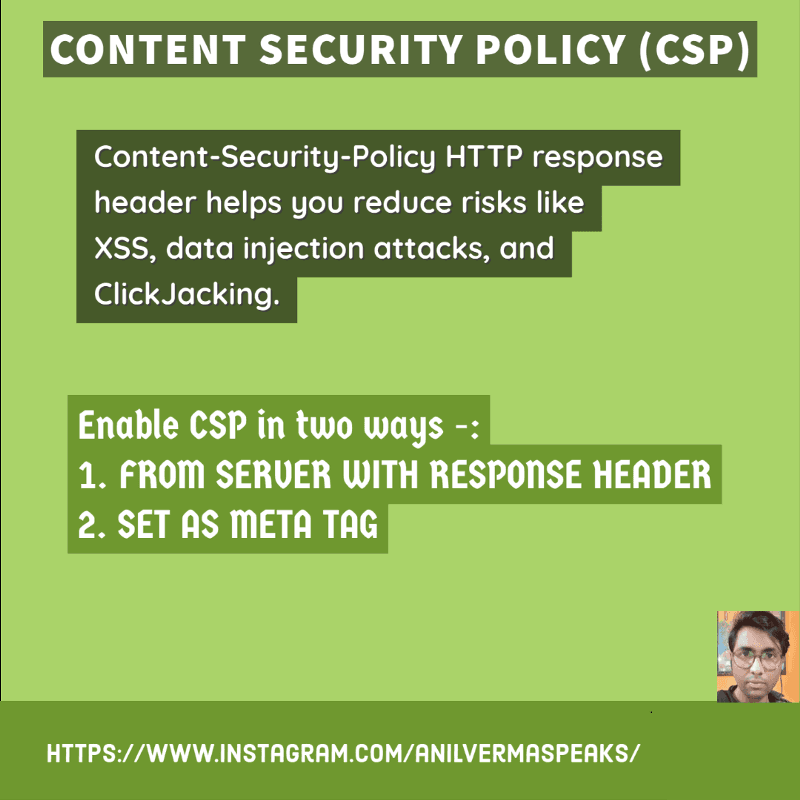
Content-Security-Policy HTTP response header helps you reduce risks like XSS, data injection attacks, and ClickJacking.
Content-Security-Policy(HTTP response header) used by modern browsers to enhance the security of the web page.
How to Enable CSP- We can enable CSP in two ways -:1. FROM SERVER WITH RESPONSE HEADER
2. SET AS META TAG
FROM SERVER WITH RESPONSE HEADER Configure your webserver to return the Content-Security-Policy HTTP header
**SET AS META TAG
**<meta http-equiv=”Content-Security-Policy” content=”**CSP Directive Reference**”>
**ex**\- <meta http-equiv=”Content-Security-Policy” content=”default-src ‘self’; img-src [https://\*;](https://*;) ”>
CSP Directive References
default-src— Directive defines the default policy for fetching resources such as JavaScript, Images, CSS, Fonts, AJAX requests, Frames, HTML5 Media.
Allow everything but only from the same origin — default-src ‘self’;script-src — Only Allow Scripts from the same origin — script-src ‘self’;
style-src — Only Allow styles from the same origin — style-src ‘self’;
img-src- Only Allow images from the same origin — img-src ‘self’;
There are many more which you can refer to from here
Allow from trusted Domain Content-Security-Policy: default-src ‘self’ dominName *.domainName
Content load using TLS- Content-Security-Policy: default-src https://domainNAME
Allow HTML in emails and images from anywhere, but not other potentially dangerous content
Happy Learning…👏👏